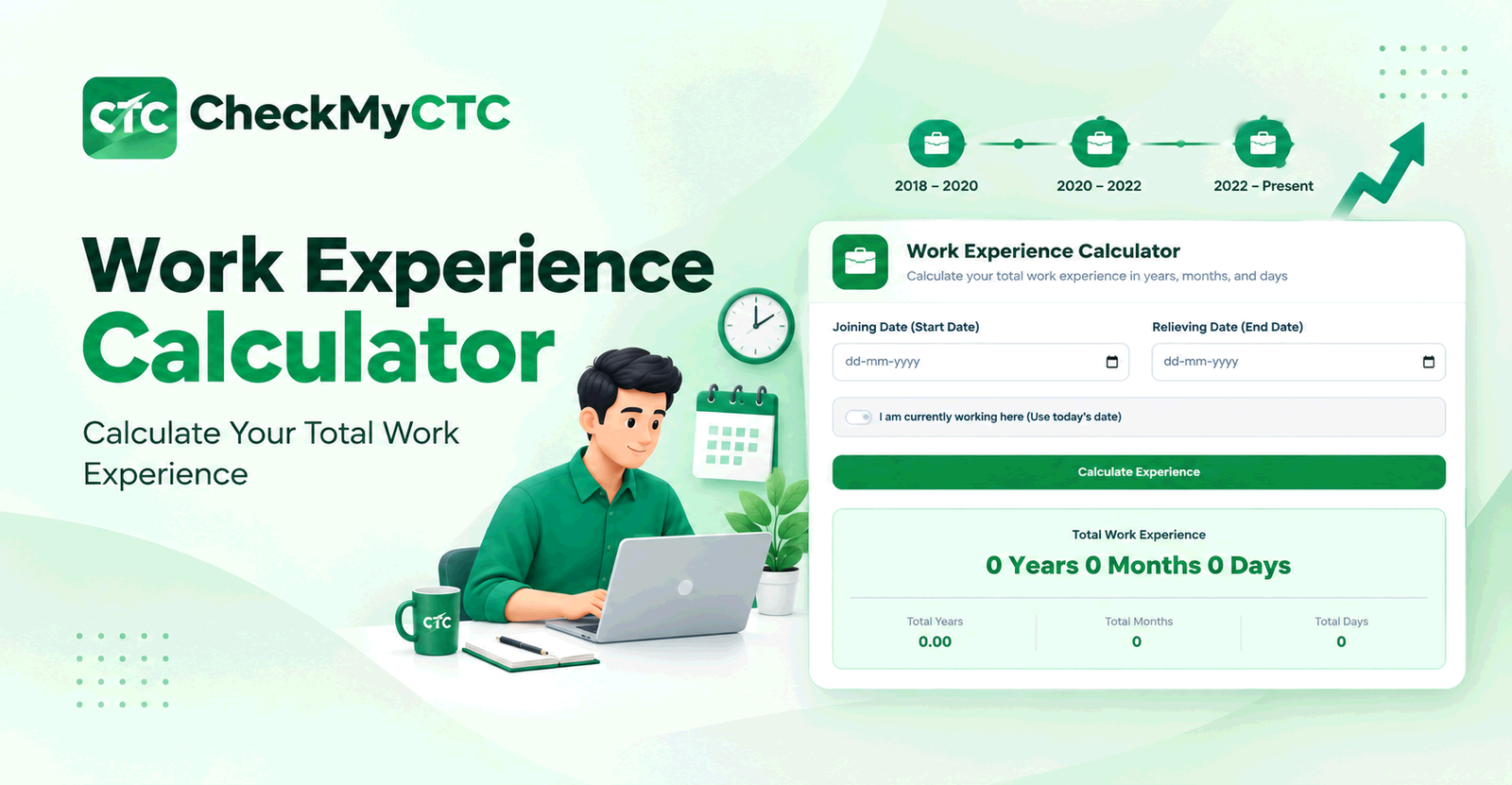
Best Free Work Experience Calculator – Calculate Your Total Experience
Keeping track of total professional experience sounds simple until you have worked at multiple companies, taken career breaks, or need to calculate experience precisely for a job application. Adding years and months manually can easily lead to mistakes, especially when different employment periods have different numbers of days.
A Work Experience Calculator makes this process easier by calculating the duration between work dates and presenting the result in years, months, and days. Instead of manually counting calendar periods, you can use a dedicated tool to get a clear estimate of your employment duration.
What Is a Work Experience Calculator?
A Work Experience Calculator is an online tool that helps you determine how long you have worked based on your employment dates. It is useful when you want to know the duration of a particular job or understand your overall professional experience.
Depending on the dates entered, the result can be expressed in years, months, and days. This makes the calculation easier to understand than simply converting the entire period into a number of days.
Why Is Calculating Work Experience Important?
Your experience duration can matter when preparing a resume, applying for jobs, completing recruitment forms, or discussing your career history with an HR team. Even a small calculation error can make your stated experience different from the actual period you worked.
For example, someone who has worked from January 2020 to March 2024 may describe their experience as approximately four years, but an exact date-based calculation gives a more useful breakdown of the period.
A calculator is particularly helpful when the dates do not fall on the same day of the month or when you need to account for different month lengths.
How the Work Experience Calculator Works
The basic calculation is based on the start date and end date of an employment period. The tool determines the calendar duration between those dates and presents the result in a readable format.
- Enter the date on which the employment period started.
- Enter the relevant end date.
- Submit the dates for calculation.
- Review the resulting duration in years, months, and days.
If you are currently employed, the appropriate end date may be the current date, depending on what you are trying to calculate.
Example: Calculating Professional Experience
Suppose an employee started working on 15 June 2020 and wants to calculate their experience up to 15 September 2024.
The period is four years and three months. A date-based calculator can determine this duration directly instead of requiring the employee to manually add the months and days.
This becomes even more useful when the starting and ending dates are different days of the month.
When Should You Use an Experience Calculator?
There are several situations where calculating employment duration can save time and prevent avoidable mistakes.
- Resume preparation: Check the experience stated for previous roles.
- Job applications: Calculate experience when an application asks for a specific duration.
- Career planning: Understand how your professional experience has accumulated over time.
- HR documentation: Verify the duration of an employment period.
- Interview preparation: Be ready to answer questions about your total experience.
- Experience letters: Cross-check employment dates against your records.
- Job changes: Calculate the duration of individual roles before combining your career history.
Calculating Experience Across Multiple Jobs
People with several jobs may need to calculate each employment period separately before determining their overall career experience. This is more reliable than estimating the total by looking only at the years on a resume.
For example, consider a career with three employment periods:
- Company A: January 2018 to December 2019
- Company B: February 2020 to July 2022
- Company C: August 2022 to the present
Each period can first be calculated independently. If there are gaps between jobs, those gaps should not automatically be treated as employment experience. The final figure should reflect the periods that actually qualify for the purpose you are calculating.
Who Can Use a Work Experience Calculator?
The tool is useful for anyone who needs to work out an employment duration from dates.
- Working professionals
- Job seekers
- Freshers starting their careers
- Employees changing jobs
- HR professionals
- Recruiters checking candidate information
- People preparing resumes and job applications
Benefits of Using a Work Experience Calculator
1. Avoids manual date calculations
Counting calendar periods manually can be tedious. A dedicated calculator handles the date difference for you.
2. Shows experience in a familiar format
Years, months, and days are easier to interpret when discussing professional experience than a raw number of days.
3. Useful for job applications
Many applications ask candidates to provide their experience. A date-based calculation helps you verify the duration before entering it.
4. Helps check your resume
You can compare the experience written on your resume with the actual employment dates in your records.
5. Saves time
Instead of manually working through different calendar months and years, you can enter the dates and review the calculated duration.
Work Experience in Years vs Years, Months and Days
Professional experience is often described using rounded values such as "3 years" or "5+ years." However, the underlying employment period may include additional months and days.
For example, an employee may have completed three years and eight months rather than exactly three years. Keeping the detailed duration available can be useful when an application or HR process requires more precise information.
The detailed result should still be interpreted according to the requirements of the particular employer, recruitment process, or organization.
How to Calculate Work Experience for a Resume
When preparing a resume, start by checking the joining and leaving dates for each relevant position. Calculate the duration of each employment period and make sure the dates on your resume match your official employment records.
You do not necessarily need to display years, months, and days for every position on the resume. The calculator is mainly useful as a verification tool so that the experience you mention is based on your actual dates.
Important Considerations When Calculating Experience
A date calculator can determine the duration between two dates, but the meaning of "total experience" can vary depending on the purpose of the calculation.
- Career breaks may need to be excluded from total employment experience.
- Overlapping employment periods should not automatically be added together.
- Part-time, internship, contract, and freelance work may be treated differently by different employers.
- Some job applications use their own definitions of qualifying experience.
- Official employment records should be used when exact dates are important.
- Rounding conventions can differ between companies and recruitment processes.
Therefore, the calculator provides a date-based estimate of the duration. It does not determine whether a particular period qualifies as professional experience under an employer's policy.
Why Use the CheckMyCTC Work Experience Calculator?
CheckMyCTC focuses on practical tools for employees, job seekers, and working professionals. The Work Experience Calculator is designed for a straightforward task: entering work dates and understanding the resulting duration without doing the calendar calculation manually.
It can be useful alongside other career and salary tools when preparing for a job change, reviewing your career history, or checking information before completing an application.
Try the free Work Experience Calculator to calculate your experience in years, months, and days.
Frequently Asked Questions
How do I calculate my total work experience?
Enter the start and end dates for your employment period into a date-based experience calculator. The result can then be reviewed in years, months, and days. If you have multiple jobs, calculate the relevant periods separately and consider any gaps or overlaps before combining them.
Can I calculate work experience in years and months?
Yes. A Work Experience Calculator can express the duration between two dates in years, months, and days, making it easier to understand than a calculation based only on total days.
How can I calculate years of experience for a resume?
Use your actual joining and leaving dates to calculate the duration of each relevant position. You can then use the result to verify the experience stated on your resume. Follow the employer's instructions if a job application specifies how experience should be reported.
Does a career break count as work experience?
Normally, a career break is not automatically counted as employment experience. Whether a particular period qualifies depends on the purpose of the calculation and the requirements of the employer or organization.
Can I calculate experience for multiple companies?
Yes. Calculate each employment period using its respective start and end dates. When determining a combined total, pay attention to gaps and overlapping dates so the same period is not counted twice.
Is the calculator suitable for job applications?
It can help you verify the duration of your employment before completing a job application. However, always follow the application's specific instructions about what type of experience qualifies and how it should be reported.
Why can two work experience calculations look different?
Differences can occur because of different start or end dates, calendar conventions, employment gaps, overlapping periods, or rounding methods. For important employment records, use the dates shown in your official documents.
Calculate Your Work Experience
Knowing your experience accurately is useful when preparing a resume, applying for jobs, reviewing your career history, or checking employment information. Instead of manually counting calendar periods, you can use a dedicated tool to get a clear duration from your work dates.
Use the CheckMyCTC Work Experience Calculator to calculate your total work duration in years, months, and days, then use the result as a practical reference for your career planning and job-related tasks.