Best Free Salary Hike Calculator – Calculate Your Increment & New CTC
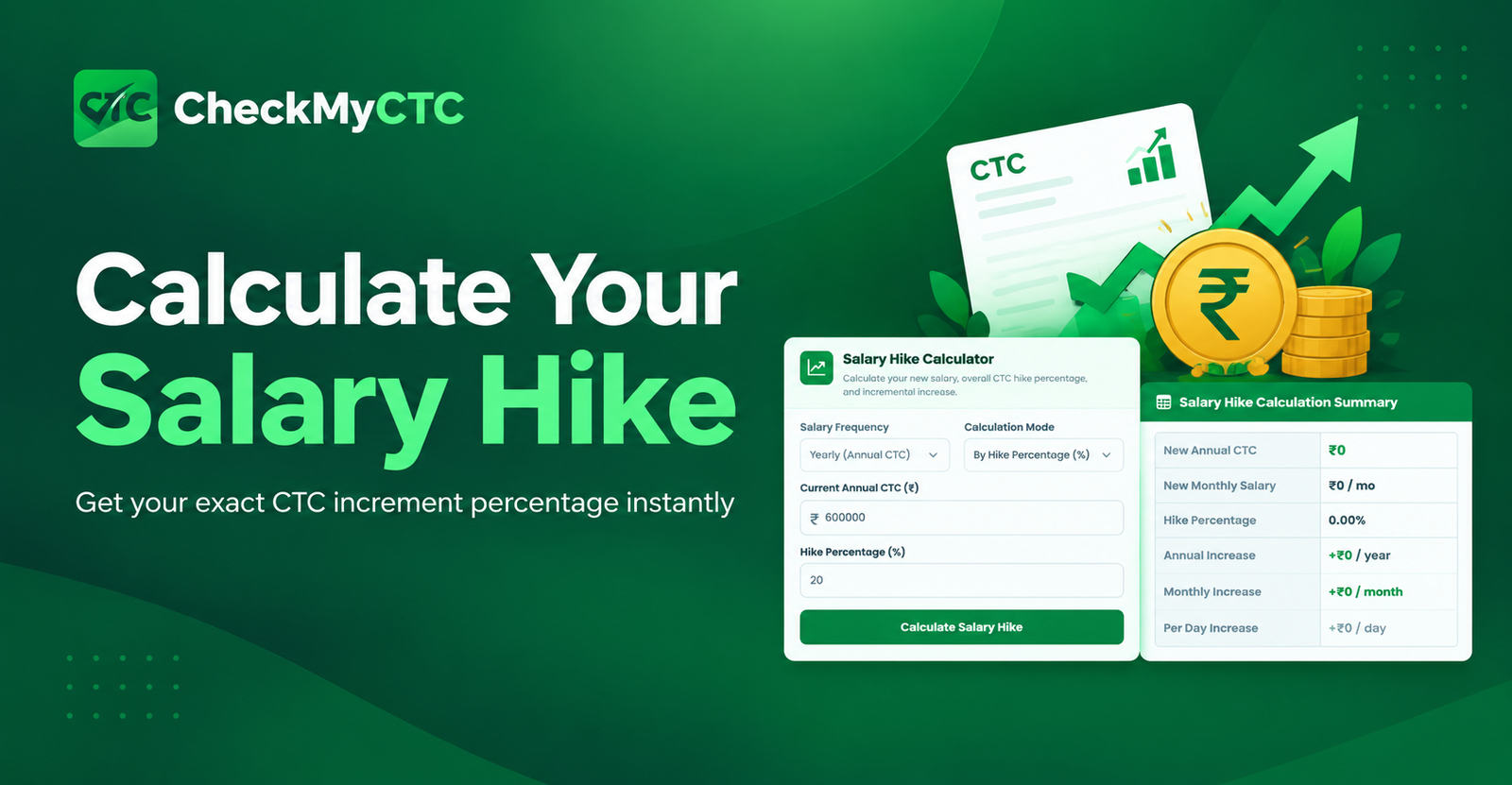
Annual appraisal season brings anticipation, negotiation, and important salary calculations. When you receive a percentage salary hike, it can be difficult to quickly understand your revised CTC, actual increase, and new salary. A salary hike calculator makes this process simple by calculating your salary increase and revised CTC instantly.
What Is a Salary Hike Calculator?
A salary hike calculator is an online tool that helps employees calculate their new salary after receiving an increment. You can enter your current salary or CTC and the expected hike percentage to find the increased amount and revised salary.
For example, if your current annual CTC is ₹10,00,000 and you receive a 15% hike, the calculator can show the exact increment amount and your new CTC without requiring manual calculations.
You can use the CheckMyCTC Salary Hike Calculator to quickly calculate your revised CTC, annual increase, monthly increase, and hike percentage.
How to Calculate a Salary Hike
You can calculate your salary hike using a simple formula:
Salary Increase = Current Salary × Hike Percentage ÷ 100
To calculate your new salary:
New Salary = Current Salary + Salary Increase
Example of a 15% Salary Hike
Suppose your current annual CTC is ₹10,00,000 and your company offers a 15% salary hike.
- Current CTC: ₹10,00,000
- Salary Hike: 15%
- Annual Increase: ₹1,50,000
- New CTC: ₹11,50,000
- Approximate monthly increase: ₹12,500
How to Use the CheckMyCTC Salary Hike Calculator
- Enter your current salary or annual CTC.
- Enter the expected salary hike percentage.
- Click the calculate button.
- View your salary increase and revised CTC.
- Compare your old and new salary figures.
The CheckMyCTC Hike Calculator provides a quick way to understand your appraisal increase without performing manual calculations.
What Can You Calculate?
- Current annual CTC
- Salary hike percentage
- Annual salary increase
- Revised annual CTC
- Approximate monthly salary increase
- Difference between your old and new salary
Why Use a Salary Hike Calculator?
Calculating a salary increment manually can sometimes lead to mistakes, especially when comparing different salary offers. An online salary hike calculator gives you a quick and convenient way to estimate your revised compensation.
- Easy to use
- Fast salary calculations
- No manual percentage calculations
- Useful during appraisal discussions
- Helpful when comparing job offers
- Free to use online
Does a Salary Hike Mean the Same Increase in Take-Home Salary?
No. A percentage increase in CTC does not always result in the same percentage increase in your take-home salary. Your actual in-hand salary can depend on components such as provident fund, professional tax, income tax, insurance, variable pay, allowances, and other deductions.
After calculating your revised CTC, you can also use the Take-Home Salary Calculator to estimate your expected monthly in-hand salary.
You can also check the EPF Calculator to understand how provident fund contributions may affect your salary structure.
Salary Hike Calculator for Job Offers
A salary hike calculator can also help when changing jobs. If you know your current CTC and the CTC offered by a new employer, you can calculate the percentage increase and understand how much your compensation has improved.
This can be useful when comparing multiple job offers, negotiating a counter-offer, or preparing for salary discussions.
For a detailed comparison between your current compensation and a new offer, you can also use the Job Offer Comparison Calculator.
Other Useful Salary & HR Calculators
CheckMyCTC provides several free salary and HR tools that can help employees understand their compensation, payroll deductions, benefits, and career decisions.
- Salary Hike Calculator
- Take-Home Salary Calculator
- EPF Calculator
- Gratuity Calculator
- Income Tax Calculator
- Overtime Pay Calculator
- Work Experience Calculator
Explore more free salary and HR tools on the CheckMyCTC main website.
Frequently Asked Questions
How do I calculate a 10% salary hike?
Multiply your current salary by 10 and divide it by 100. Add the resulting increase to your current salary to calculate your new salary. You can also use the CheckMyCTC Salary Hike Calculator to calculate it instantly.
How do I calculate my new CTC after a hike?
Multiply your current CTC by the hike percentage, divide by 100, and add the increase to your current CTC.
Does a 20% hike mean my in-hand salary will increase by 20%?
Not necessarily. Your in-hand salary depends on salary components, deductions, taxes, PF, professional tax, and other payroll factors. Use the Take-Home Salary Calculator for a better estimate of your monthly salary.
Can I calculate my salary hike from old and new CTC?
Yes. Subtract your old CTC from your new CTC, divide the difference by your old CTC, and multiply by 100 to calculate the percentage hike.
Is the CheckMyCTC Salary Hike Calculator free?
Yes. You can use the CheckMyCTC Salary Hike Calculator online to calculate your salary increment and revised CTC.
Explore All CheckMyCTC Calculators & Tools
Explore our free salary, tax, HR and productivity tools to calculate salary changes, estimate employee benefits, manage employment dates and simplify everyday tasks.
Salary & CTC Calculators
- Salary Hike Calculator
- Overtime Pay Calculator
- Monthly Salary to Annual Package Calculator
- Annual Package to Monthly Salary Calculator
- Take-Home Salary Calculator
- CTC Breakup Generator
- Monthly Bonus Calculator
- Annual Bonus Calculator
- Job Offer Comparison Calculator
- Pro Rata Salary Calculator
Tax, PF & Employee Benefits
- HRA Tax Exemption Calculator
- EPF Provident Fund Calculator
- Gratuity Calculator
- LTA Calculator
- Professional Tax Calculator
- Income Tax Calculator
- National Pension System (NPS) Calculator
- ESI Calculator
- GST Calculator
Leave & Employment Calculators
- Work Experience Calculator
- Last Working Day Calculator
- Resignation Date Calculator
- Leave Amount & Salary Deduction Calculator
- Notice Period Calculator
- Earned Leave Encashment Calculator
- Sandwich Leave Calculator
- Maternity & Paternity Leave Calculator
Salary Documents & Generators
- Payslip Generator
- Salary Certificate Generator
- Experience & Relieving Letter Generator
- QR Code Generator
Phone Number & Productivity Tools
Leave a Comment
Comments
No comments yet. Be the first to comment!