Best Free Leave & Salary Deduction Calculator – Calculate Net Pay After Leaves
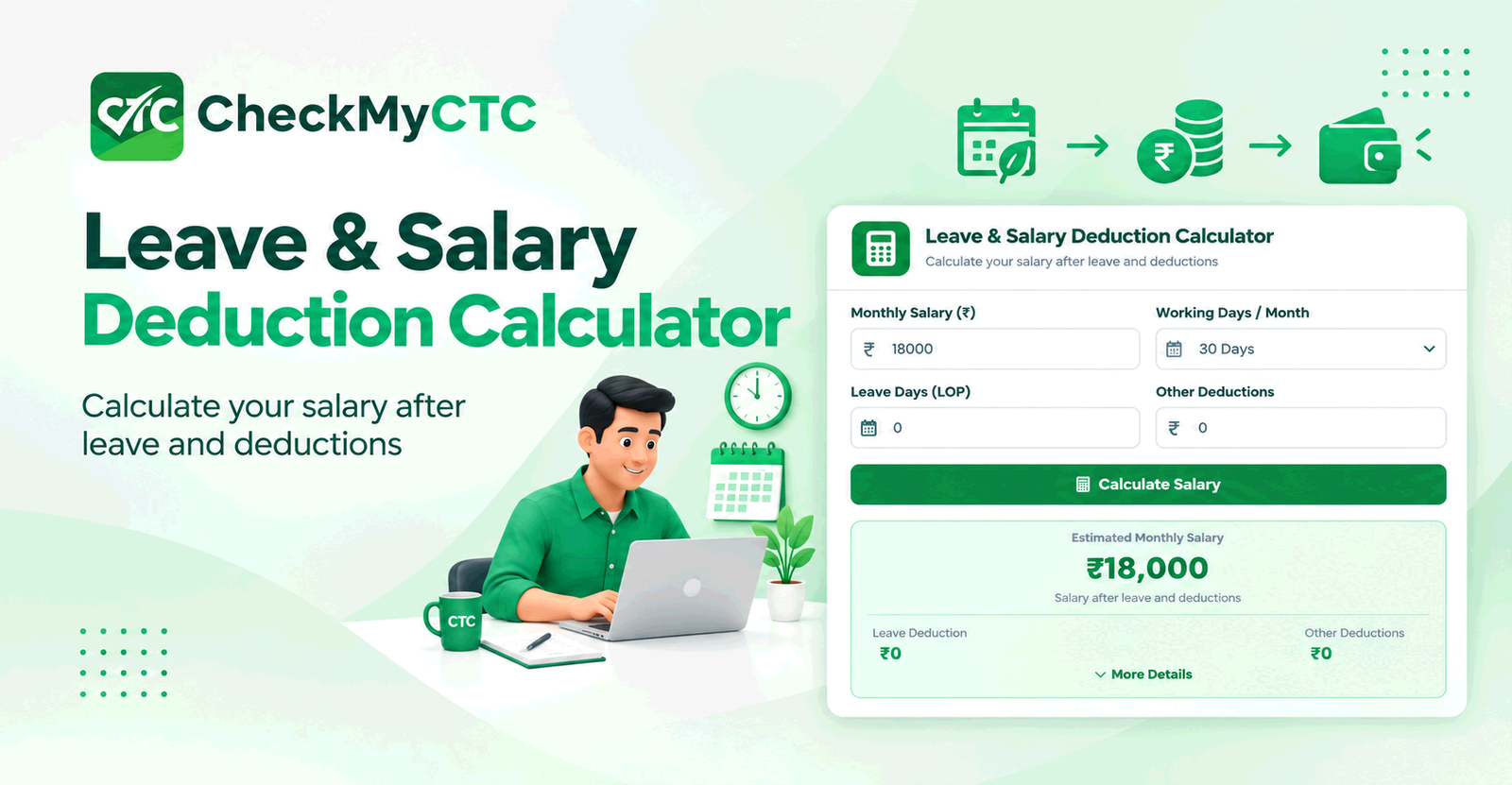
Best Free Leave & Salary Deduction Calculator – Calculate Net Pay After Leaves
Taking extended time off or taking leave without pay (LOP) often leads to uncertainty when payday arrives. While planned paid leaves keep your income steady, taking extra days beyond your allotted balance triggers salary deductions that directly affect your take-home pay. For many employees, figuring out exactly how much money will be deducted for unpaid leave can be confusing and stressful.
Manual payroll rules, varying month lengths, and individual employer policies make it difficult to estimate your final monthly payout accurately. The CheckMyCTC Leave & Salary Deduction Calculator solves this exact problem by helping you calculate your expected net earnings after adjusting for unpaid days and statutory or voluntary deductions.
What Is the Leave & Salary Deduction Calculator?
The Leave & Salary Deduction Calculator is an intuitive online payroll estimation tool designed to help working professionals determine their net monthly salary when unpaid leave occurs. It factors in your gross monthly income, total working days in a month, and the number of unpaid leave days taken to output a realistic estimate of your final payout.
Unlike basic percentage tools, this calculator isolates per-day earnings to determine the precise financial impact of taking time off. It acts as a clear bridge between your contract salary and the actual amount deposited into your bank account at the end of the month.
What Problem Does It Solve?
Calculating salary after taking unpaid leave is rarely as simple as dividing your total salary by 30 days. Misunderstandings between how employees calculate their leaves and how payroll departments process them are common. Key problems this tool addresses include:
- Uncertainty Around Payday: Eliminates guesswork about how much money you will receive after taking leave without pay.
- Calculation Ambiguity: Clarifies how per-day salary is calculated depending on calendar days versus fixed working days.
- Budgeting Errors: Prevents financial shortfalls by giving you an advance preview of your reduced monthly income so you can plan expenses accordingly.
- HR and Payroll Misunderstandings: Offers an independent benchmark to verify pay slips against actual leave records.
How the Tool Works
Using the CheckMyCTC calculator requires just a few basic details from your monthly salary statement or employment offer. Follow these steps to obtain your estimate:
- Enter Your Base Income: Input your total gross monthly salary before any leave adjustments.
- Select Month Length / Working Days: Specify the total number of payable days in the month (for example, 30 days, 31 days, or exact business working days like 22).
- Input Unpaid Leave Days: Enter the exact number of days marked as Loss of Pay (LOP) or leave without pay.
- Add Additional Deductions (Optional): Include statutory or recurring deductions such as provident fund, professional tax, or income tax withholdings.
- Review Results: The calculator immediately displays your per-day pay rate, total leave deduction amount, and final estimated net salary.
Understanding the Calculation
Payroll departments generally use one of two primary methods to compute Loss of Pay (LOP) deductions. Understanding these methods helps you understand how your final pay slip is formed.
1. Calendar Day Method (30/31 Day Basis)
Most common among formal organizations, this method distributes your gross monthly salary evenly across all calendar days in the given month.
$$\text{Daily Salary Rate} = \frac{\text{Gross Monthly Salary}}{\text{Total Days in Month}}$$
$$\text{Total Leave Deduction} = \text{Daily Salary Rate} \times \text{Unpaid Leave Days}$$
$$\text{Net Salary} = \text{Gross Monthly Salary} - \text{Total Leave Deduction} - \text{Other Fixed Deductions}$$
2. Working Day Basis (Excluding Weekends/Holidays)
Some companies compute per-day earnings based strictly on actual operational working days (typically 20 to 22 days per month). Under this approach, each day of unpaid leave carries a higher financial cost compared to the calendar day method.
Practical Example
Consider an employee with a fixed gross monthly salary of $4,000 (or local currency equivalent). In a 30-day month, the employee takes 3 days of unpaid leave due to personal circumstances. The company uses the calendar day calculation method.
- Gross Monthly Salary: $4,000
- Total Days in Month: 30
- Daily Pay Rate: $4,000 / 30 = $133.33 per day
- Unpaid Leaves: 3 days
- Total Deduction for Leave: $133.33 × 3 = $400
- Estimated Net Salary Before Tax: $4,000 - $400 = $3,600
By reviewing this calculation beforehand, the employee knows precisely how much less to expect on their upcoming pay stub.
Who Can Use This Tool?
- Salaried Employees: Anyone taking unplanned leaves, sabbatical days, or leave without pay (LOP) who wants to preview their net income.
- Job Seekers & Career Changers: Candidates evaluating potential income variations when transitioning between contracts or taking career breaks.
- Contractors and Freelancers: Independent professionals who invoice clients based on actual days worked versus total days in a month.
- HR & Operations Teams: HR managers seeking a fast, hassle-free way to cross-check manual payroll deduction drafts.
Key Benefits
- Instant Visibility: Get immediate clarity on how time off impacts your net paycheck.
- Better Financial Planning: Adjust personal spending or bill payments before payday arrives.
- Transparancy & Accuracy: Understand how your per-day rate is calculated so you can catch processing errors early.
- Free and Accessible: Perform unlimited comparisons without sign-ups or complex spreadsheets.
Comparison: Online Calculator vs. Manual Calculation
Calculating leave deductions on paper or via spreadsheets seems straightforward until you account for variable month lengths and mixed component structures. Here is how using an online tool compares to manual computations:
| Feature / Aspect | CheckMyCTC Online Calculator | Manual / Spreadsheet Method |
|---|---|---|
| Calculation Speed | Instant results in seconds | Requires manual math and formulas |
| Risk of Error | Minimal arithmetic error risk | Higher chance of formula or rounding mistakes |
| Adaptability | Adjusts inputs on the fly for quick scenarios | Requires rebuilding formulas for different months |
| Understanding Rules | Clear, structured inputs guide user | Requires prior understanding of payroll methodologies |
Common Mistakes to Avoid
When computing salary adjustments for unpaid leaves, employees frequently run into these common misunderstandings:
- Confusing Gross Salary with CTC: Cost to Company (CTC) often includes annual benefits, performance bonuses, or employer provident fund contributions that are not part of your regular monthly gross payout used for LOP deductions.
- Assuming Every Month Has 30 Days: Using a fixed 30-day divisor for February (28/29 days) or July (31 days) will result in inaccurate daily rate figures.
- Ignoring Sandwich Leave Policies: Some corporate leave policies consider weekends falling between unpaid leave days as unpaid days too (sandwich rule). Failing to check company policy can lead to higher deductions than expected.
- Mixing Up Paid Leave Balances: Double-check whether your leave is classified as casual leave, earned leave, or Loss of Pay (LOP) before calculating deductions.
Limitations and Important Considerations
While our tool provides reliable estimates, payroll processing varies across industries and regions. Keep the following factors in mind:
- Company-Specific Rules: Employers have specific policies regarding whether leave deductions apply to basic pay only or total gross pay.
- Tax and Statutory Adjustments: Lower gross income due to unpaid leaves may slightly reduce your taxable bracket or statutory contributions like Professional Tax or PF for that month.
- Discretionary Clauses: HR departments may process approval waivers or custom leave rules during emergency circumstances.
For official earnings statements or legal disputes, always consult your HR or payroll representative to verify the precise policy enforced by your employer.
Planning Paycheck Deductions with CheckMyCTC
CheckMyCTC is dedicated to delivering clear, practical tools for employees, job seekers, and working professionals navigating complex compensation structures. From evaluating appraisal payouts to managing monthly income, transparent information enables better financial health.
You can use the free Leave & Salary Deduction Calculator directly on CheckMyCTC to run real-time estimates whenever your work schedule changes.
Frequently Asked Questions
How does an unpaid leave affect my monthly salary?
Unpaid leave reduces your total monthly payout by taking away your daily gross pay for every unapproved or non-credited day missed. The exact deduction depends on your company's per-day rate formula.
Is loss of pay calculated on basic salary or gross salary?
Most employers calculate loss of pay on total gross monthly salary (excluding non-cash benefits). However, some organizations calculate LOP deductions specifically on basic salary plus fixed allowances. Check your employment handbook for specifics.
How do I calculate per-day salary for leave deduction?
Divide your total gross monthly salary by either the total number of calendar days in that month (e.g., 30 or 31) or total working business days, depending on your employer's standard policy.
Why does my calculated result differ from my official payslip?
Variations usually stem from differences in the day-divisor used (calendar vs. working days), additional tax withholding rules, or company-specific leave policies like sandwich leave rules.
Can I use this calculator for taking long-term unpaid sabbaticals?
Yes. Enter the total consecutive days of unpaid sabbatical leave taken during a specific month to see your adjusted pay preview.
Plan Your Monthly Earnings with Confidence
Unplanned time off should not leave you guessing about your next paycheck. By calculating your leave adjustments ahead of time, you maintain full control over your personal financial planning. Calculate your net income after time off using the Leave & Salary Deduction Calculator today.
Explore All CheckMyCTC Calculators & Tools
Explore our free salary, tax, HR and productivity tools to calculate salary changes, estimate employee benefits, manage employment dates and simplify everyday tasks.
Salary & CTC Calculators
- Salary Hike Calculator
- Overtime Pay Calculator
- Monthly Salary to Annual Package Calculator
- Annual Package to Monthly Salary Calculator
- Take-Home Salary Calculator
- CTC Breakup Generator
- Monthly Bonus Calculator
- Annual Bonus Calculator
- Job Offer Comparison Calculator
- Pro Rata Salary Calculator
Tax, PF & Employee Benefits
- HRA Tax Exemption Calculator
- EPF Provident Fund Calculator
- Gratuity Calculator
- LTA Calculator
- Professional Tax Calculator
- Income Tax Calculator
- National Pension System (NPS) Calculator
- ESI Calculator
- GST Calculator
Leave & Employment Calculators
- Work Experience Calculator
- Last Working Day Calculator
- Resignation Date Calculator
- Leave Amount & Salary Deduction Calculator
- Notice Period Calculator
- Earned Leave Encashment Calculator
- Sandwich Leave Calculator
- Maternity & Paternity Leave Calculator
Salary Documents & Generators
- Payslip Generator
- Salary Certificate Generator
- Experience & Relieving Letter Generator
- QR Code Generator
Phone Number & Productivity Tools
Leave a Comment
Comments
No comments yet. Be the first to comment!