Best Free Resignation Date Calculator – Plan Your Notice Period
Planning a job change often involves more than choosing a new joining date. If your current company has a notice period, you also need to work backwards to determine when you should submit your resignation. A few days of difference can affect your expected last working day, joining plans, leave arrangements, and communication with your new employer.
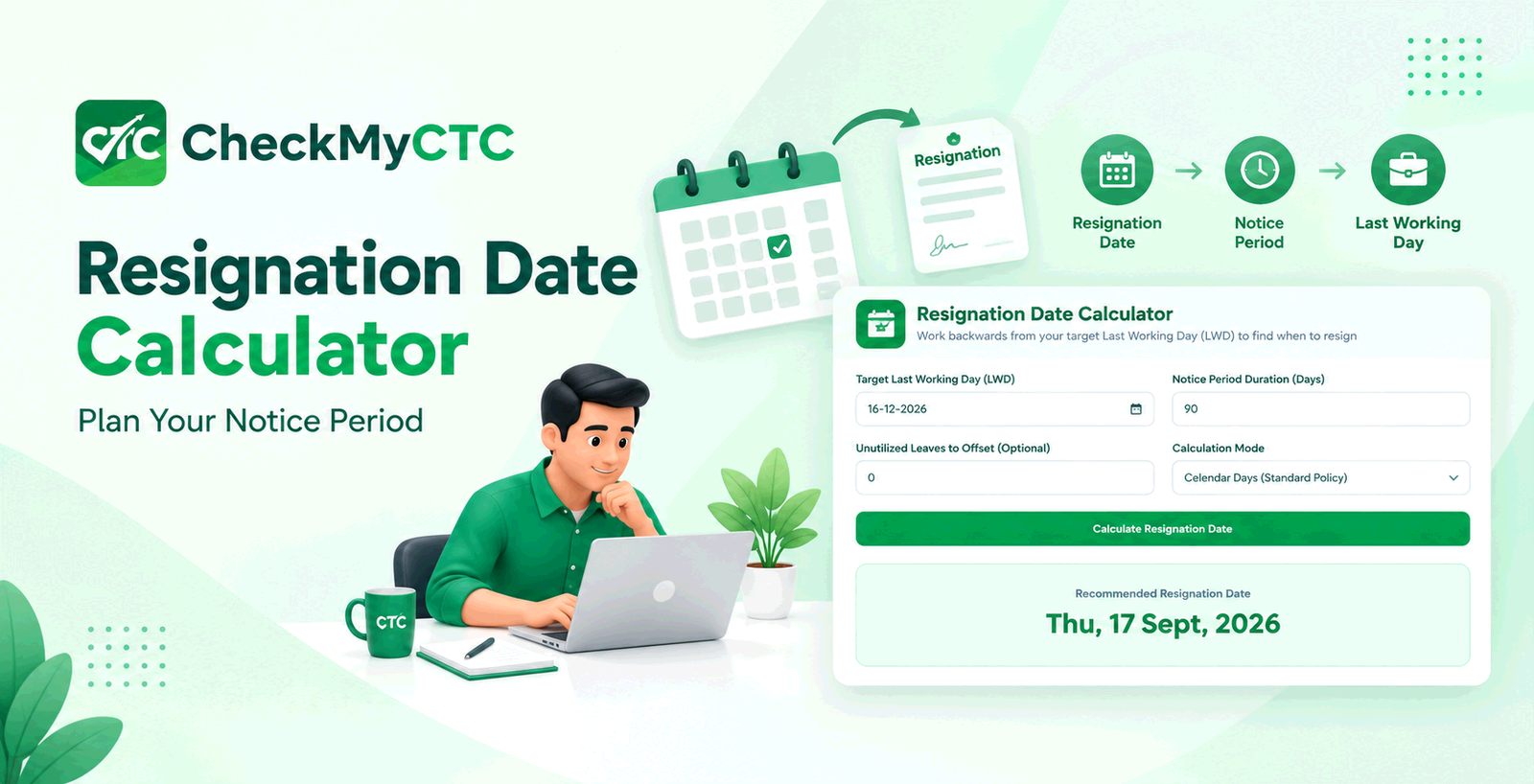
The Resignation Date Calculator is designed for this exact situation. Instead of manually counting backwards from a target last working day, you can enter the date you want to finish your current employment and your notice period to estimate the resignation date.
What Is a Resignation Date Calculator?
A resignation date calculator is a date-planning tool that works backwards from a desired last working day. It helps employees estimate when they need to resign based on the notice period applicable to their employment.
For example, if you want your employment to end on a particular date and your notice period is 60 days, the calculator can help you determine the corresponding resignation date. This is especially useful when you already have a planned joining date with another employer.
Why Calculate Your Resignation Date in Advance?
When changing jobs, employees often start with the new company's expected joining date. The next step is checking whether the current employer's notice period allows that timeline.
Manually counting backwards can become confusing, particularly when the notice period is long or when the dates fall across different months. A date-based calculation gives you a clear starting point for planning.
- Plan when to submit your resignation.
- Estimate your expected last working day.
- Coordinate your notice period with a new joining date.
- Discuss timelines with recruiters or HR teams.
- Reduce mistakes when counting calendar days.
- Organize personal and professional commitments around your exit date.
How the Resignation Date Calculator Works
The basic idea is simple: start with the target last working day and count backwards by the applicable notice period.
- Choose your target last working day. Enter the date on which you want your current employment to end.
- Enter your notice period. Provide the number of days required by your employment terms or applicable company policy.
- Calculate the resignation date. The tool works backwards from the target date and provides an estimated resignation date.
- Review the result. Compare the calculated date with your employment agreement and confirm how your employer counts the notice period.
The calculation is intended to simplify date planning. It does not replace your company's HR policy or the terms of your employment agreement.
Practical Example
Suppose you are planning to join a new company and want your current employment to end on 30 November. Your current notice period is 60 days.
You can enter 30 November as the target last working day and 60 days as the notice period. The calculator works backwards to provide an estimated resignation date.
This gives you a useful date to consider when planning your resignation. Before submitting it, you should still check whether your employer counts the resignation date as part of the notice period and whether weekends, holidays, leave, or other conditions affect the calculation.
When Can This Tool Be Useful?
Planning a New Job Joining Date
If a new employer has given you a proposed joining date, you can work backwards to understand when your resignation may need to be submitted.
Coordinating a Notice Period
Employees with 30-day, 60-day, 90-day, or other notice periods can use the calculation to create an initial exit timeline.
Discussing Dates With Recruiters
Recruiters frequently ask candidates about their notice period and expected availability. Having a calculated timeline can make those discussions easier.
Planning Personal Commitments
A planned last working day can also help you organize relocation, travel, documentation, joining formalities, and other activities connected with a job transition.
Who Can Use a Resignation Date Calculator?
The tool is useful for anyone who needs to plan an employment exit around a notice period, including:
- Employees preparing to resign.
- Working professionals changing companies.
- Job seekers who already have an offer.
- Employees coordinating an expected joining date.
- HR professionals checking proposed timelines.
- Freshers who need help understanding basic notice-period date calculations.
Resignation Date vs Last Working Day
These two dates are related but are not necessarily the same.
Resignation date is the date on which you submit your resignation according to your employer's process. Last working day is the expected final working date after completing the applicable notice period.
For someone planning a job switch, the relationship between these dates is important. A target last working day can be used as the starting point for calculating an estimated resignation date.
Important Things to Check Before Resigning
A calculator can provide a useful date estimate, but employment policies can differ. Before relying on the result, review the relevant terms that apply to your employment.
- Notice period definition: Confirm the number of days specified in your employment terms.
- Calendar or working days: Check whether your employer counts calendar days or working days.
- Resignation-date treatment: Some policies may treat the resignation date differently when calculating the notice period.
- Leave during notice: Your ability to use accumulated leave may depend on company policy.
- Notice period buyout: Some employers may have specific rules for shortening the notice period.
- Manager or HR approval: The final relieving date may depend on the employer's formal confirmation.
- Public holidays and weekends: Their treatment can vary depending on the applicable policy.
For these reasons, the calculated date should be treated as a planning estimate rather than confirmation of your official relieving date.
Why Use the CheckMyCTC Resignation Date Calculator?
CheckMyCTC focuses on practical salary, employee, and career-related tools. The resignation date calculator addresses one specific part of a job transition: working backwards from a planned last working day.
Instead of manually counting dates on a calendar, you can use the tool to create an initial resignation timeline and then compare it with your company's official notice-period rules.
If you are planning an exit and already know your expected last working day, you can try the free Resignation Date Calculator on CheckMyCTC.
Frequently Asked Questions
How do I calculate my resignation date from my last working day?
Start with your target last working day and count backwards according to the notice period specified by your employer. The exact result can depend on how your company defines and counts notice days.
Can I calculate my resignation date for a 30-day notice period?
Yes. Enter your target last working day and a 30-day notice period to estimate the date from which the notice period would need to begin.
How do I calculate a resignation date for a 60 or 90 day notice period?
The same basic approach applies. Enter the intended last working day and the applicable number of notice days. The result provides an estimated resignation date for planning purposes.
Is a resignation date the same as the last working day?
No. The resignation date is when the resignation is submitted, while the last working day is the expected final date after the notice period is completed.
Does the resignation date calculator account for company holidays?
A basic date calculation may not reflect every company's holiday, leave, or working-day policy. Check your employer's rules before treating the calculated date as an official relieving date.
Can I use this tool when I already have a new job offer?
Yes. If you know your proposed joining timeline and your current notice period, working backwards can help you understand when resignation may need to be submitted.
Why might my calculated date differ from my company's final relieving date?
The difference can result from company-specific rules, working-day calculations, resignation-date treatment, leave adjustments, notice-period waivers, or management-approved changes.
Plan Your Resignation Date With Confidence
Knowing your expected exit timeline can make a job transition easier to organize. A Resignation Date Calculator provides a straightforward way to work backwards from your desired last working day and estimate when you may need to resign.
Use the CheckMyCTC Resignation Date Calculator to calculate your estimated resignation date, then verify the result against your employment agreement and your company's official notice-period policy before submitting your resignation.
In short: enter the target last working day, apply your notice period, review the calculated date, and confirm the final timeline with your employer. This simple approach can help you coordinate your resignation and next career move more effectively.