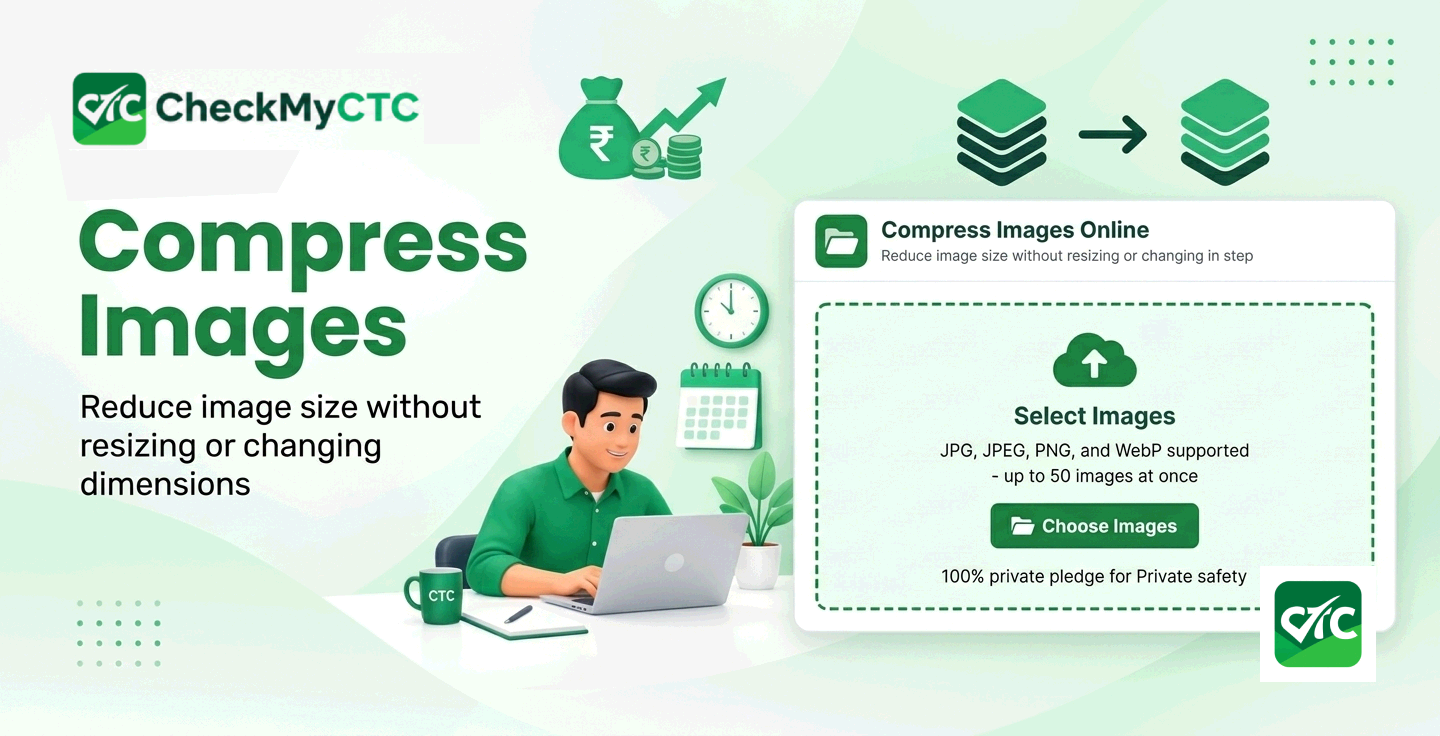
Best Free Image Compressor – Reduce File Size Without Changing Dimensions
Job applications, government career portals, and professional recruitment websites often impose strict file size limits on photo uploads. Candidates frequently run into frustrating upload errors when trying to attach their passport photos, signature scans, or resume certificates because the file exceeds the maximum allowed size in kilobytes or megabytes. Trying to manually resize photos using standard software often distorts the aspect ratio or stretches the image unnaturally.
To eliminate these technical hurdles during important career applications, professionals need a straightforward tool to Compress Images Online without modifying pixel dimensions or sacrificing crucial visual details. CheckMyCTC offers a dedicated web solution designed to optimize file sizes instantly while maintaining the exact original height and width of your pictures.
What Is an Online Image Compressor?
An online image compressor is a browser-based utility that reduces the total digital footprint of an image file. Unlike traditional photo editors that crop images or reduce pixel dimensions, smart compression algorithms analyze picture data to eliminate redundant information. This process optimizes storage space and speeds up file transfer times while keeping the visual structure intact.
When you use a browser-based tool to Compress Images Online, your photo keeps its precise width and height. A 1200x900 pixel passport photo or certificate scan remains 1200x900 pixels after processing, but its file size decreases significantly from 3 MB to a manageable 200 KB.
Real-World Problems Solved by File Compression
Handling uncompressed digital assets often causes unnecessary friction during critical professional and administrative tasks. Reducing file sizes solves several daily challenges:
- Portal Upload Failures: Recruitment portals and job portals routinely reject file attachments larger than 100 KB or 500 KB, forcing applicants to fix issues quickly before submission deadlines.
- Distortion from Cropping: Manual resizing tools stretch or crop images, making facial features on identification photos look distorted or altering official document proportions.
- Email Attachment Limits: Large portfolio images, scanned academic transcripts, and presentation graphics frequently exceed corporate email size limits.
- Slow Page Load Times: Job seekers building personal digital portfolios or HR managers maintaining internal web portals need lightweight graphics to ensure fast webpage loading.
How to Compress Images Online Step by Step
Optimizing your digital files on CheckMyCTC requires no technical skill or software installation. Follow these simple steps to process your files:
- Select Your Image File: Choose your image file from your mobile device or computer desktop.
- Upload to the Tool: Drag and drop the file directly into the web interface or use the upload button.
- Process Automatic Optimization: The tool analyzes the file structure, stripping unneeded data while holding exact pixel measurements constant.
- Download Your Optimized File: Review the reduced file size in kilobytes and save your optimized picture directly to your device.
Practical Example of Image Compression
Consider a fresh graduate preparing documents for an online corporate job portal. The career site requires a headshot photo that is strictly under 200 KB. However, the original photo taken with a smartphone camera is 4.5 MB with dimensions of 1920x1080 pixels.
If the applicant attempts to crop the image manually, the resolution drops and the photo becomes blurry or misaligned. By using the option to Compress Images Online, the tool strips away unnecessary metadata and optimizes digital color structures. The file size drops from 4.5 MB down to 150 KB, while keeping the dimensions at 1920x1080 pixels. The student uploads the headshot successfully without any loss of quality or aspect ratio distortion.
Who Benefits from Online Image Optimization?
Fast, reliable file size reduction serves a wide range of everyday users and working professionals:
- Job Seekers and Candidates: Applicants uploading passport photographs, signature scans, and certificates to corporate or government career portals.
- Human Resources Professionals: HR team members storing employee record documentation, ID card pictures, and onboarding files efficiently.
- Freelancers and Web Creators: Web developers and portfolio creators keeping online showcase pages fast, responsive, and lightweight.
- Students and Researchers: Scholars submitting research papers, project reports, and academic verifications on university portals.
Why Use the CheckMyCTC Image Compression Tool?
CheckMyCTC focuses on practical utility for modern employees and job seekers. Beyond salary calculators and career planning resources, administrative tools like our image optimizer help job applicants clear routine technical hurdles quickly.
You can access our feature to Compress Images Online directly in your browser without creating an account or paying subscription fees. It offers a secure, reliable way to prepare all your official image uploads safely and efficiently.
Important Factors and Considerations
While compression algorithms efficiently shrink digital files, users should keep a few realistic factors in mind when preparing documents:
- Original File Quality Matters: A photo that is already blurry or low-resolution before compression will remain blurry after processing.
- Format Differences: Standard web formats like JPG and PNG compress differently depending on the detail level and transparent backgrounds present in the original artwork.
- Extreme Size Target Limits: Attempting to shrink a massive 15 MB high-resolution raw photography file down below 50 KB may result in slight visual softness.
Frequently Asked Questions
Will compressing an image alter its pixel dimensions?
No, compression optimizes the underlying file structure to shrink overall kilobyte size without altering the physical width and height dimensions of your photo.
Is it safe to compress official photos and sensitive documents?
Yes, processing occurs securely within modern web browser standard protocols, ensuring your documents remain private throughout the file optimization process.
Which image formats work best for online compression?
Standard web image formats such as JPG, JPEG, and PNG offer the best efficiency when shrinking file sizes for online portal submissions.
How much file size reduction can I expect?
Depending on the original file format and photographic details, file sizes typically decrease by 40% to 80% while preserving crisp visual clarity.
Do I need to install software to compress images online?
No software installation or browser extension is required. You can conveniently Compress Images Online directly from any mobile device or desktop computer.
Final Thoughts on Streamlining Your Career Documents
Navigating career shifts and administrative submissions should not be derailed by technical upload failures. Keeping your official photos and digital documents optimized ensures smooth, stress-free portal applications every time. Visit CheckMyCTC today to utilize our free image optimizer and streamline your professional career preparation toolkit.